Weekly Planner Template for an Online Notepad (Copy & Use)
A simple weekly planner template you can paste into Sen Notes — priorities, time blocks, and a Friday review without another planning app.
Sen Gideons5 min read
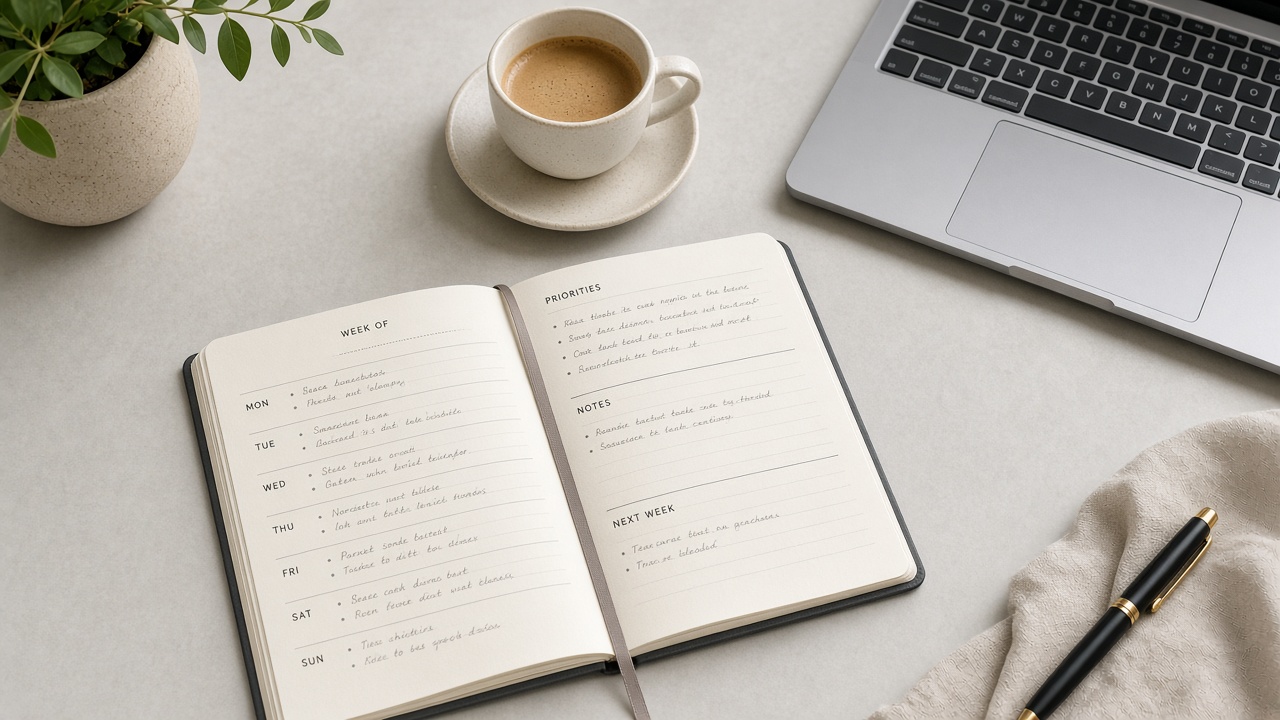
Why a notepad planner beats a bloated app
Most planners fail because setup takes longer than planning. A weekly planner template in a free online notepad stays light: paste once, reuse every Monday.
Copy this weekly template
Week of: [date]

Top 3 outcomes
1.
2.
3.

Monday
- Must:
- Should:
- Notes:

Tuesday
- Must:
- Should:
- Notes:

Wednesday
- Must:
- Should:
- Notes:

Thursday
- Must:
- Should:
- Notes:

Friday
- Must:
- Should:
- Notes:

Friday review
- What shipped:
- What slipped:
- Next week’s #1:
How to use it in Sen Notes
- Open Sen Notes and create a note titled
Week of …. - Paste the template.
- Fill Top 3 before scheduling anything else.
- On Friday, spend five minutes on the review — then duplicate the note for next week.
Rules that keep it honest
- Max three “Must” items per day.
- If it’s not in the note, it’s not a plan — it’s a wish.
- Export a JSON backup if the week’s notes matter beyond this device.
weekly plannertemplatesonline notepadproductivitywriting pad online
Written by
Sen Gideons