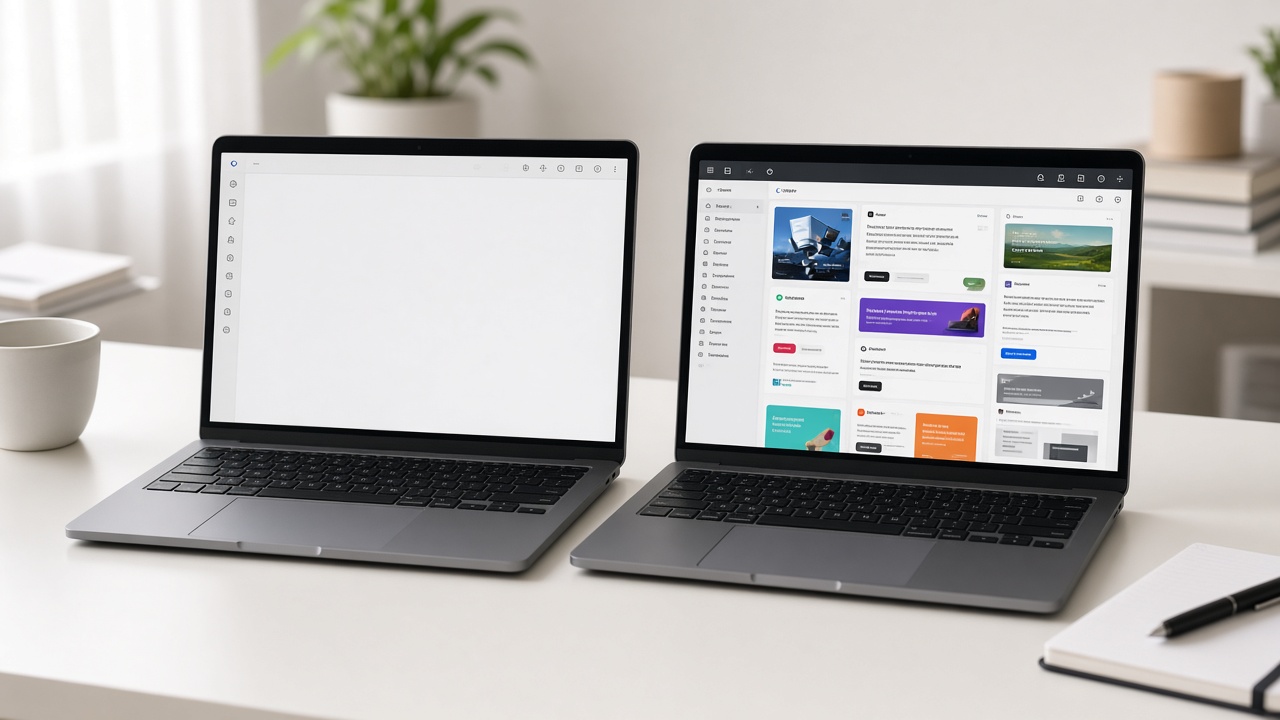
Online Notepad With No Login: Why Local Writing Pads Win on Privacy
Why an online notepad with no login can be safer for drafts than another cloud account — and the honest limits of browser storage.

The signup tax on a blank page
Most “free” writing tools want an email before you type a sentence. An online notepad with no login removes that tax: open the tab, write, leave. For private drafts, that model matters more than another feature checklist.
What “no login” actually means
- No account profile tied to your notes
- No vendor inbox of every draft you ever saved
- Notes live in this browser on this device (local storage)
Sen Notes is built that way on purpose. Read the short pitch on our no-login notepad page.
Privacy wins (and what it doesn’t claim)
Wins: fewer servers holding your text by default; nothing to phish via a Sen Notes password; good fit for work laptops and shared machines.
Doesn’t claim: military-grade encryption sync, or immunity if malware can read your browser. Local storage is private relative to cloud notebooks — not magic.
When you should still use a cloud notebook
If you need the same notes on phone and laptop every day, or live collaboration, pick Keep, Apple Notes, or Docs. Don’t force a local pad to fake sync.
Safe habits on a no-login pad
- Never store passwords or recovery phrases in any notepad.
- Export a JSON backup before clearing browser data.
- On shared PCs, export then clear site data when you’re done.
Start without an account
Open Sen Notes — free online notepad, no login, local autosave.
Written by
Sen Gideons