Sen Notes vs Online Notepad & Anotepad: Which Free Pad Fits You?
Honest comparison of Sen Notes, Online Notepad–style sites, and Anotepad — login walls, ads, local storage, and when each is the better free writing pad.
Why people search “onlinenotepad” and land here
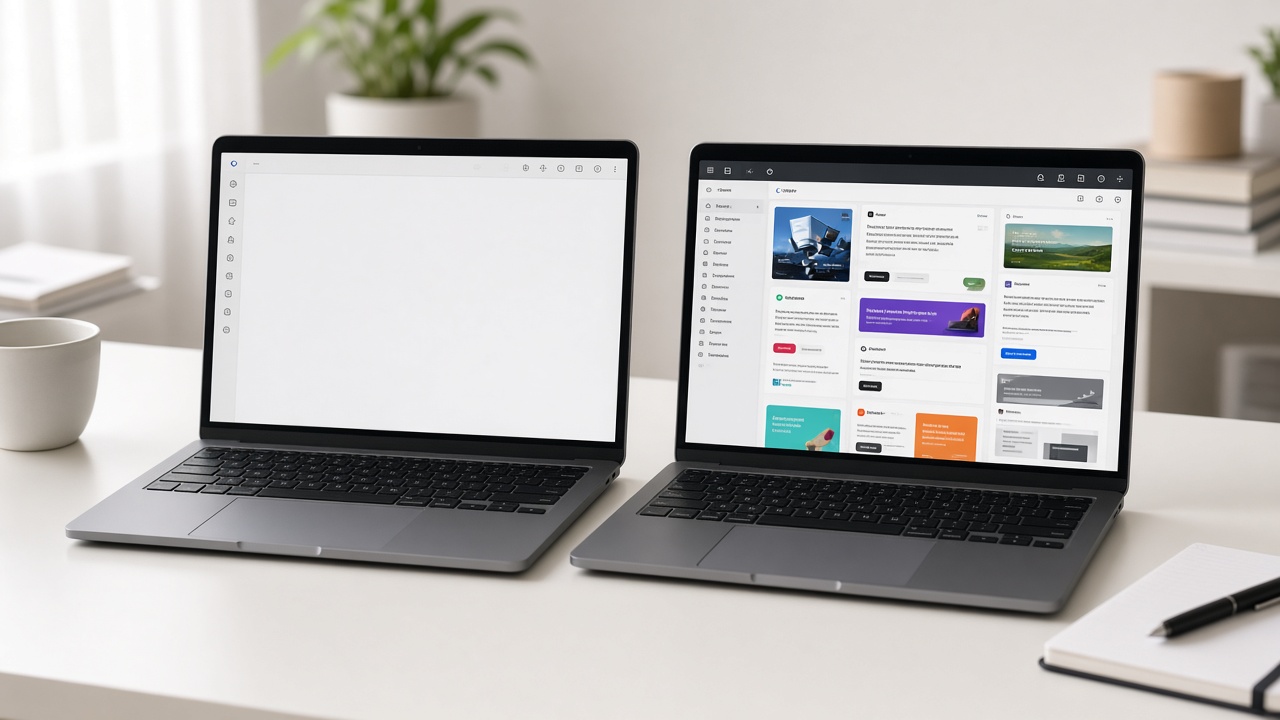
A huge share of notepad searches are navigational: people type onlinenotepad, online notepad, or a familiar brand and want a blank page now. Several sites fill that niche — classic “open and type” pads, ad-supported scratch pads, and local-first tools like Sen Notes.
This page compares the category honestly so you pick the right pad instead of bouncing between lookalikes.
The three products people confuse
- Sen Notes — free browser notepad, no account, autosave in your browser storage, formatting + backup tools.
- Online Notepad–style sites (often found via “onlinenotepad” queries) — fast blank pages; features, ads, and privacy vary by site.
- Anotepad — popular free online notepad with share links and a long track record as a quick web pad.
Same job on the surface. Different tradeoffs underneath.
Comparison table
| Factor | Sen Notes | Online Notepad–style | Anotepad |
|---|---|---|---|
| Account required? | No | Usually no | Usually no for basic use |
| Where notes live | Local browser storage | Varies (session, server, or unclear) | Often server-backed for share/save links |
| Ads in the writing surface | No ads in the editor | Common on free pads | Often present around the pad |
| Rich formatting | Yes (lists, tables, drawings, search, trash) | Often plain or basic | Basic to moderate |
| Share / publish link | Export / copy / backup instead | Sometimes | Core strength |
| Cross-device sync | Not automatic (export when needed) | Varies | Via saved/shared links if offered |
| Best for | Private drafts on one device | Disposable scratch text | Quick notes you may share by URL |
Sen Notes — when it’s the better pick
Choose Sen Notes if you want a free online notepad with no login and you care that drafts stay on the device you’re using:
- Meeting notes on a work laptop you don’t want in a random vendor inbox
- Longer drafts with headings, lists, tables, or drawings
- Trash/restore and JSON backup instead of “hope the tab stays open”
- An editor that isn’t funded by ads inside the writing area
Tradeoff: no magic sync to your phone. Export or copy when you switch devices. That is intentional, not a missing checkbox we pretend to have.
Open Sen Notes · Why we skip login
Online Notepad–style sites — when they’re enough
Classic “online notepad” pages win when you need a temporary notepad: paste a paragraph, tweak it, leave. Many load fast and ask for nothing.
Watch for: aggressive ads, unclear whether text is stored on a server, weak search/history, and pages that feel identical but differ on privacy. If you arrived via a brand-like query, confirm you’re on the site you meant.
Anotepad — when sharing wins
Anotepad is a strong choice when the job is “write something and send a link,” or you already know its save/share flow. It’s built around quick web notes, not a local-first notebook with trash and backups.
Tradeoff: share-oriented pads often keep content on someone else’s infrastructure so the link works. Fine for non-sensitive text; poor for private drafts.
Privacy in plain language
- Local pad (Sen Notes): notes stay in browser storage until you export or clear site data.
- Share-link pads: the host must store something for the URL to resolve — treat that like emailing a draft to a service.
- Never paste passwords, recovery phrases, or ID numbers into any online notepad.
Quick decision guide
- Need private, formatted notes on this device → Sen Notes.
- Need a throwaway scratch box for 30 seconds → any lightweight online notepad is fine.
- Need to hand someone a URL to the note → Anotepad-style share pads.
- Need phone + laptop sync every day → a cloud notebook with an account (Keep, Apple Notes, etc.), not a no-login pad.
Bottom line
If you searched for Online Notepad or Anotepad because you wanted a blank page without signup, Sen Notes is in the same category — with a clearer local-first model and a fuller editor. If you need share links or multi-device sync, pick a tool built for that job instead of forcing a local pad to pretend.
Written by
Sen Gideons