Temporary Notepad Online: Capture Ideas Without Creating an Account
How to use a temporary notepad online for scratch drafts — fast capture, when to export, and why Sen Notes beats a throwaway text box.

Temporary doesn’t have to mean disposable forever
A temporary notepad online is for the next five minutes: rewrite an email, park a list, test wording. The best versions don’t make you register — and they don’t vanish on a refresh unless you want them to.
What to use a temp pad for
- Paste → edit → copy back to email or chat
- Scratch math, outlines, or interview answers
- Notes on a borrowed computer you won’t sign into
Temp pad vs full notebook
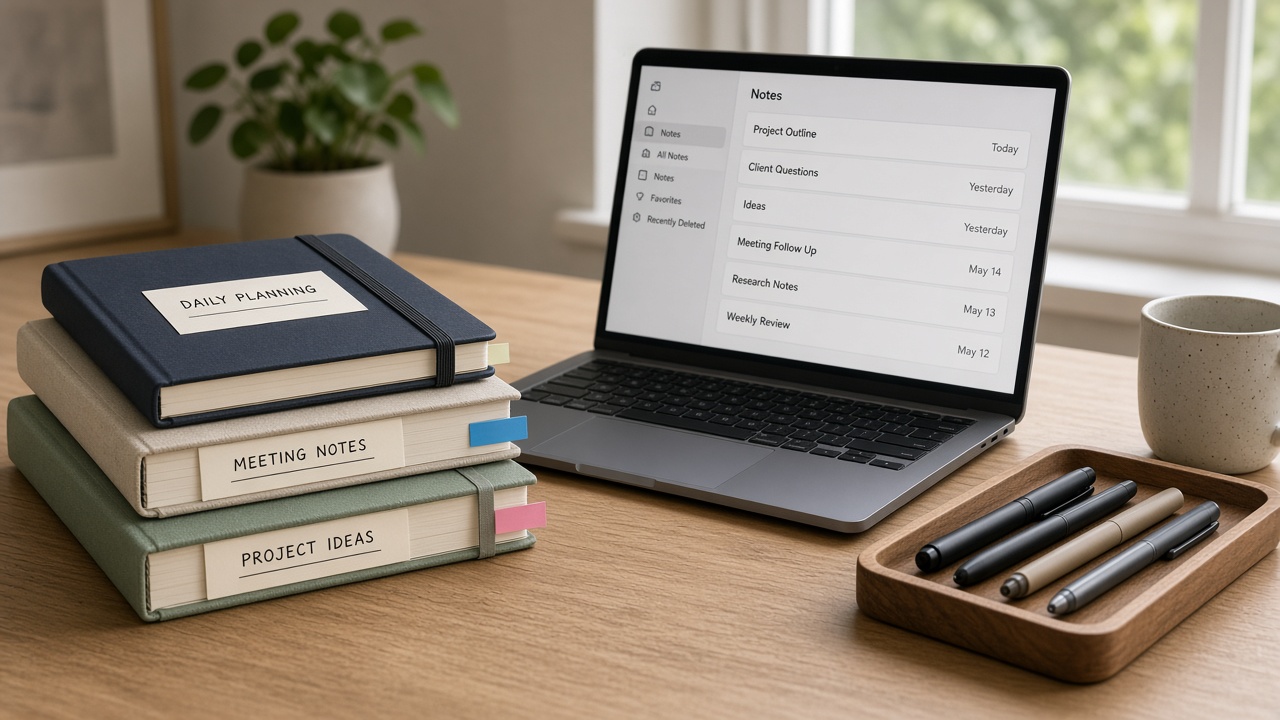
Throwaway boxes win on speed. They lose on search, trash/restore, and formatting. Sen Notes sits in the middle: instant like a temp pad, durable enough that a refresh doesn’t punish you. More on our temporary notepad page.
A simple temporary workflow
- Open the pad and dump raw text.
- Edit in place — don’t switch apps mid-thought.
- Copy out or export if it became “real” work.
- Trash the scratch note so tomorrow’s inbox stays clean.
Don’t confuse temporary with public
Some pastebin-style tools publish by default. A local browser pad keeps scratch text on the device. Still avoid secrets.
Open a scratch pad now
Start a temporary note in Sen Notes — no account required.
Written by
Sen Gideons